
To celebrate the new launch of the website, we are offering all new subscribers a years subscription for only £9.99

A Drone Finder subscription gives each drone a unique ID, including a visual Operator ID and a QR code labeled “Please Scan for Details.” If your drone is lost, anyone who scans the code is taken to the Report Found page, where they can enter the ID and their contact details. Once submitted, your drone is instantly marked as Found, and you receive a notification along with the finder’s information in your dashboard. All this protection is available for just £1.75 per month.
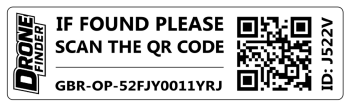
Content will appear here.
Get FREE Access to the Flight Logbook with all subscriptions, Please log in for full access.
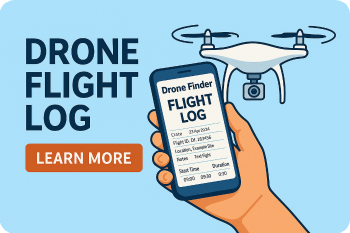
Keep every detail of your drone operations organised in one place with our powerful Flight Logbook. Record each flight along with the drone used, equipment, battery performance, flight location, incidents, and maintenance history. Easily upload supporting documents or images, and export your complete records as CSV or PDF files for reporting, compliance, or personal tracking.
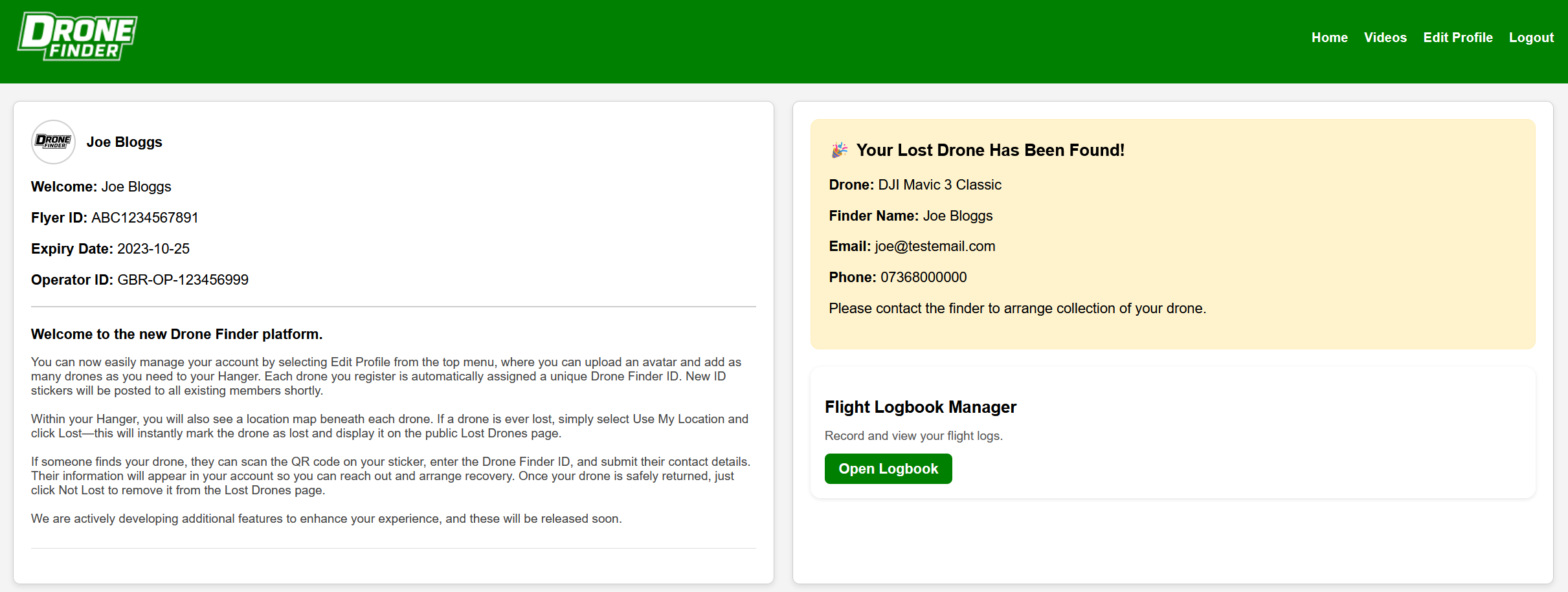
The Drone Finder Members page gives you clear access to your Flyer ID and Operator ID, making it easy to review and manage them whenever renewals are required. This page also includes an example of a lost drone that has been successfully reported as found, illustrating how the system works in real situations.
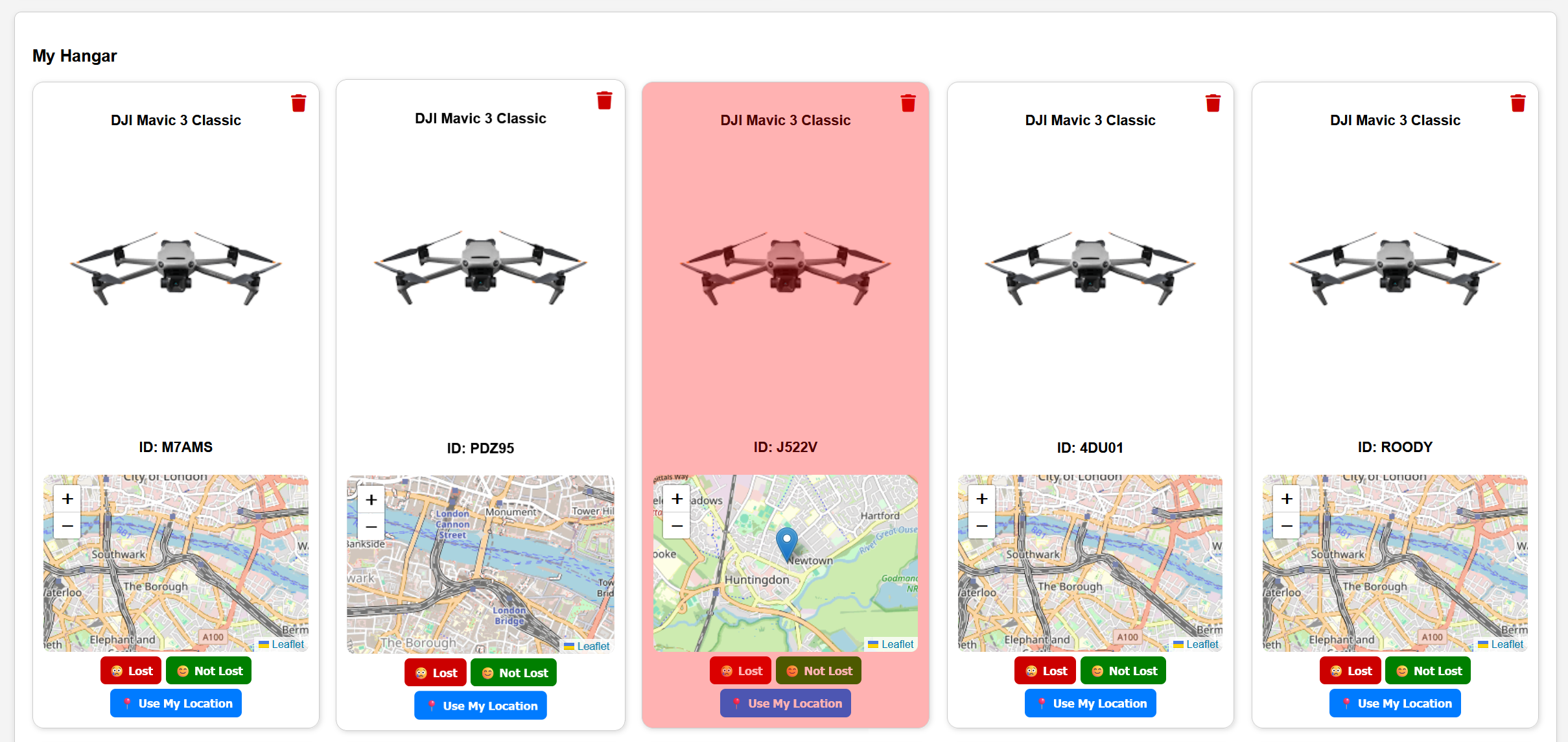
Below is a list of all drones added to this account, each with its own unique ID. If a drone is ever lost, simply log in to your account, select Use My Location, and click Lost. The drone will be immediately marked as lost within your account and automatically published on the Drone Finder Lost Drones page.
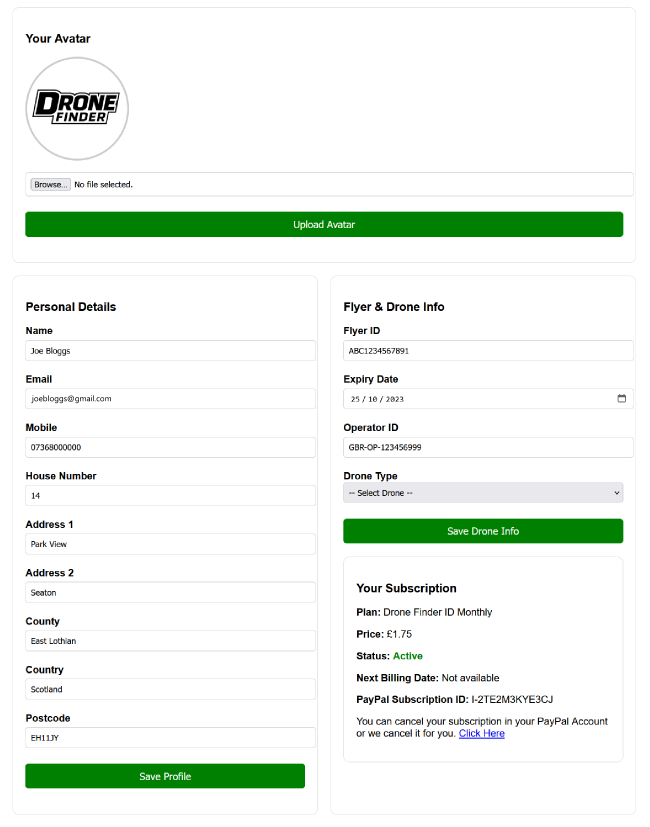
As a member, you can update your personal details, manage your Flyer and Drone information, and add new drones at any time. You can also view your subscription details, upcoming billing date, and the current status of your account at a glance.
All Drone Finder members receive FREE access to the Flight Logbook, allowing you to record your flights, add detailed information, and upload supporting documents. This powerful tool is ideal for both recreational flying and tracking commercial survey jobs.
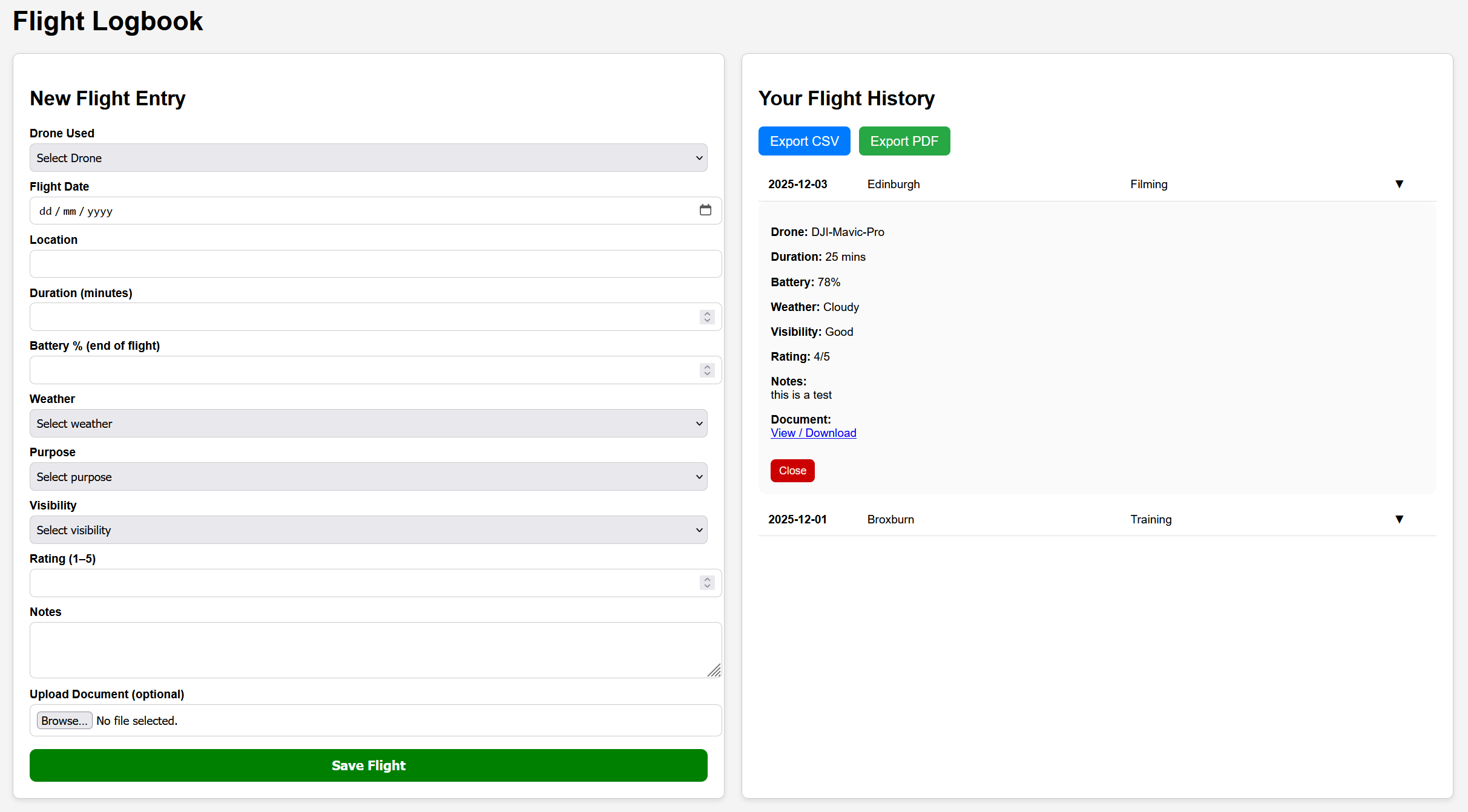
We are actively developing new features for the Flight Logbook. Upcoming enhancements will allow you to map your flights, upload multiple images or documents, and add short video clips for professional reporting. You will also be able to select the appropriate operation category from a dropdown menu (Open A1, Open A2, Open A3, PDRA01, OSC).
Additionally, we will be introducing visual charts to display flight duration, battery performance, and drone usage, giving you deeper insight into your operations.
© 2025 Drone Finder — All Rights Reserved